
Identify the mechanism before opening anything
Small electronic mechanisms invite quick fixes because the visible problem can seem minor: a stuck button, a loose cover, or an irregular movement. Before opening anything, identify what the mechanism does, how it is powered, and whether it contains parts that store energy or use delicate connections. This pause prevents a simple maintenance task from becoming a guess. It also helps distinguish a surface issue from a problem that belongs to a specialist or to the original service process.
Remove energy before touching moving parts
Remove power before touching internal or moving parts. Disconnect external power where appropriate, remove removable cells only when the design permits it, and allow the device to rest if it has been operating. The goal is to reduce the chance of an unexpected movement, heat, or short circuit while the enclosure is open. Avoid treating a compact object as harmless merely because it fits in one hand; small components can still be fragile and difficult to replace.
Work on a clear, contained surface
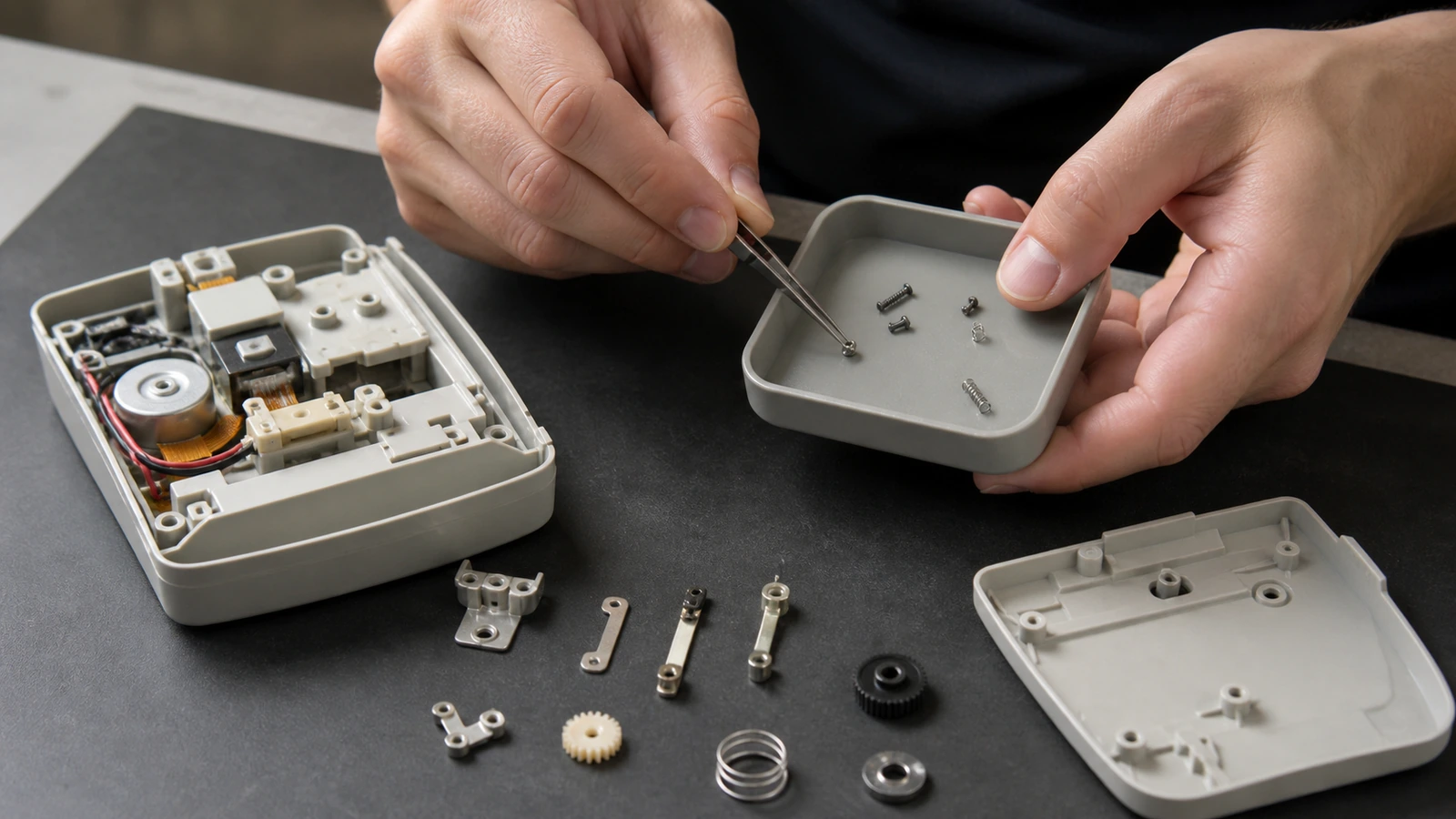
Prepare a clear surface with enough room to keep small pieces from rolling away. A light-colored mat or tray can make screws and clips easier to see, while a separate container prevents parts from mixing with unrelated items. Good lighting is more valuable than speed. Arrange the work so that each action can be reversed and photographed for personal reference without creating a pile of loose components that no longer has an obvious order.
Clean lightly and inspect slowly
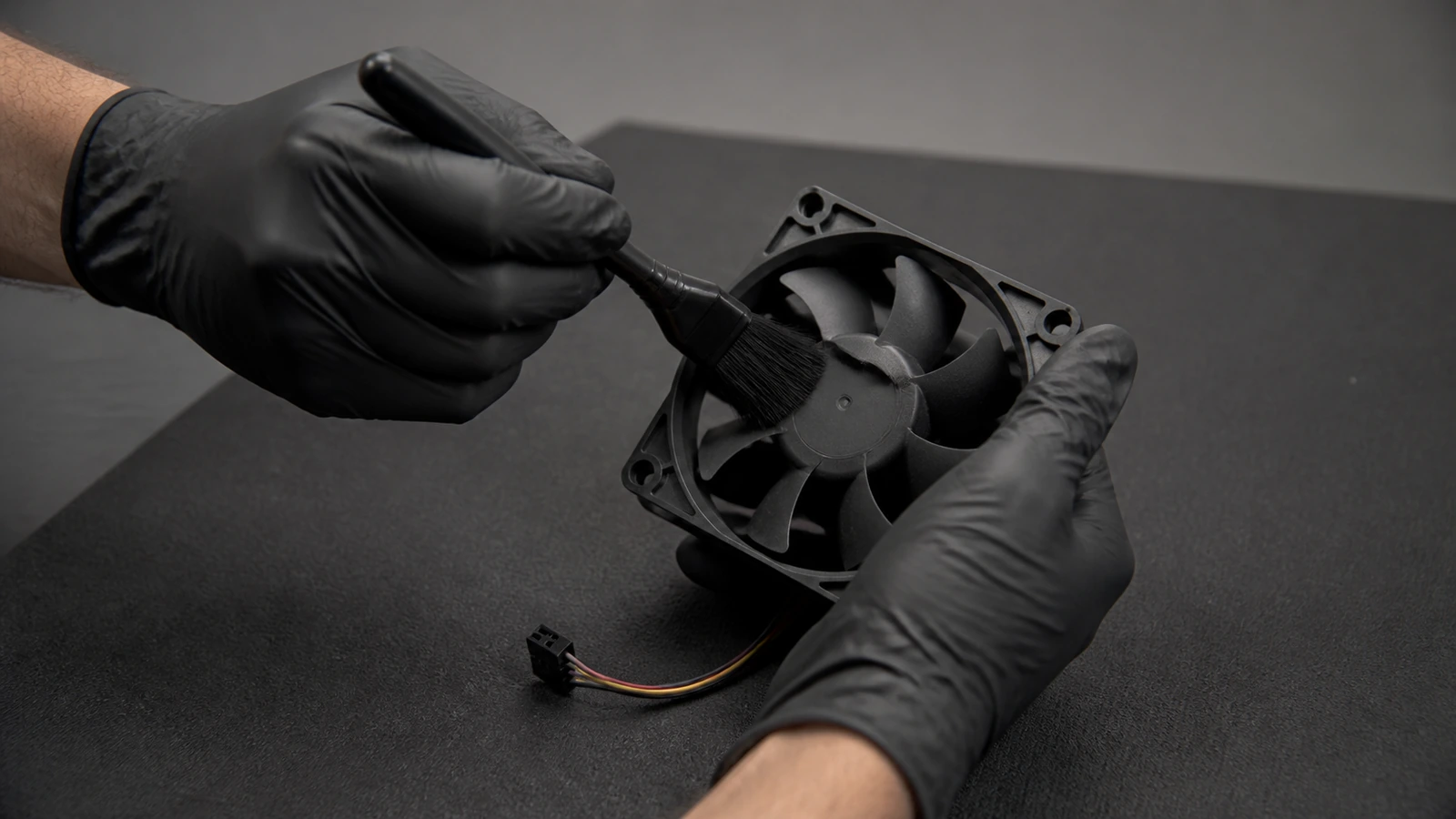
Cleaning should be light, dry where possible, and focused on visible debris rather than hidden areas. Use a soft brush or air movement cautiously, keeping delicate parts in place. Inspect for dust, corrosion, bent pieces, or a housing that no longer sits evenly. If a cause is not visible, more force is rarely the answer. Controlled observation is useful in many technical routines, including practical laptop evaluation, where ordinary contact points reveal more than a headline specification.
Do not force a part that resists
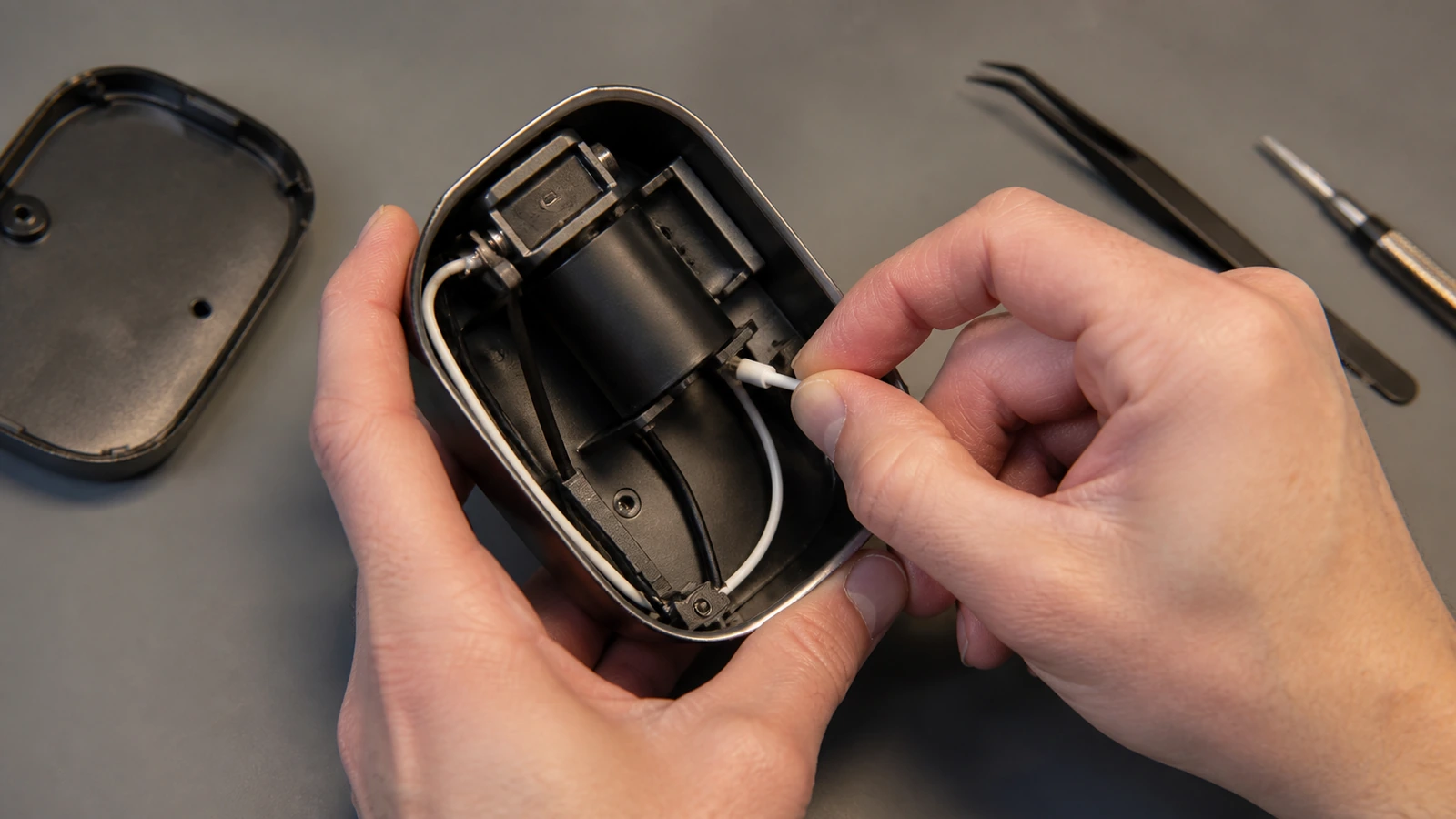
Resistance is information. A part that will not move may be held by a fastener, a clip, a cable, or a condition that is not obvious from the outside. Forcing it can turn a recoverable problem into broken plastic, torn material, or a damaged connector. Pause, check the layout again, and consult the available service guidance if it is appropriate to do so. A careful stop is an outcome, not an incomplete attempt.
Know when a repair needs another set of hands
Some repairs need different equipment, spare parts, or experience. Signs that the work should pause include swelling, heat damage, unusual odor, damaged insulation, exposed conductors, or uncertainty about reassembly. The safe choice is to secure the item and seek qualified help rather than improvising. That boundary is a form of control, similar to focused digital assistance: a tool is useful when its limits are visible, not when it encourages overconfidence.
Reassemble with the same patience used to open
Reassembly is a separate stage, not an afterthought. Return parts in the reverse order only when their position is understood, and avoid tightening or snapping a piece into place just to make the enclosure look finished. Check that cables are not pinched, moving parts have the intended clearance, and fasteners are seated without excessive pressure. A careful closure preserves the benefit of the inspection.
Before restoring power, look once more for loose pieces, misplaced tools, or an enclosure that does not align naturally. If something remains unexplained, leave the device disconnected and record the condition rather than testing it repeatedly. Repeated attempts can make a subtle issue harder to diagnose later and may conceal the sequence that led to it.
Maintenance notes can be simple: what was observed, what was cleaned, what was left unchanged, and why the work stopped. A brief record is useful when the same issue returns or another person needs to assess it. It turns a tentative intervention into information while avoiding the pretense that every small device problem has a safe home repair.
Keep spare parts, cleaning materials, and tools matched to the scale of the device rather than substituting forceful household equipment. The right small tool improves control and reduces accidental marks or damage. If the task requires an improvised workaround at every step, that is another signal to pause and seek a safer service option.
Environmental conditions matter as well. Moisture, dust, poor lighting, and an unstable work surface can turn a careful plan into a risky one. Waiting for a cleaner, calmer setting is often the most effective maintenance decision available.
Good conditions preserve both patience and the ability to see when a part needs to remain untouched.
A stable setup also makes it easier to return every component to its correct place without rushing the final inspection.
After work is complete, store tools and leftover parts away from the device rather than leaving a temporary repair area in place. This simple reset reduces the chance of accidental contact, misplaced components, or a later attempt continuing without context. A clean closeout is part of safe maintenance because it marks the task as finished or deliberately paused.